Configuring Database Connection
To use the db command, you need to configure a database connection, the name of which is passed to the command as the connection parameter.
To create or edit a connection, go to the Main Menu - Settings - Management - SEARCH ANYWHERE - Configurations list section:

To create a new connection, click the Create button in the top right corner. To edit a connection, click on it in the list. Below is an example of a filled configuration for connecting to a ClickHouse database:

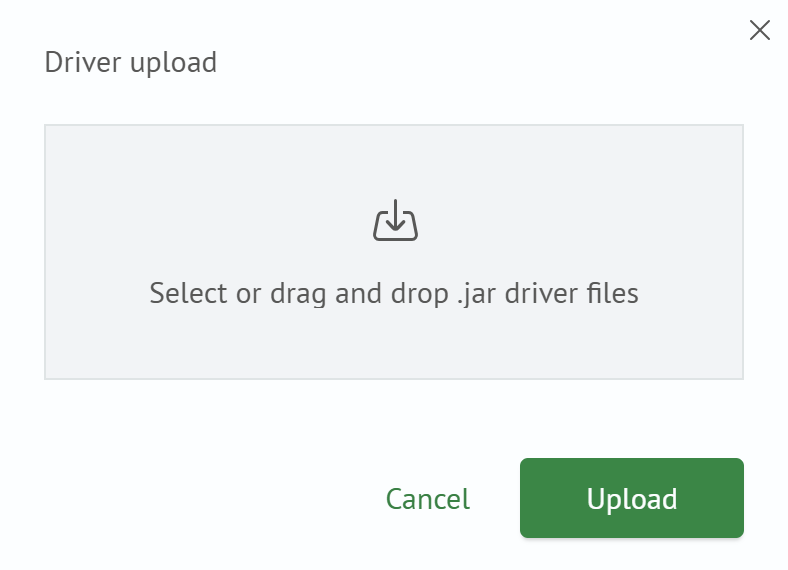
If the JDBC driver dropdown list does not contain a suitable driver, click the upload file button and select the required driver:
Before saving the connection configuration, you can check its functionality by clicking the Test connection button.
After checking, click the Save button, and the new connection will be ready to use in the db command.
Example 1
This example demonstrates executing an inline SQL query using the saved connection click, passed through the connection parameter.
db connection=click query="SELECT * FROM table LIMIT 1"