Masking Preset Management
Masking preset management includes:
- editing masking presets
- masking preset reference
Editing Masking Presets

This section allows you to edit masking presets:
- add new fields by clicking the
Createbutton - modify and/or enter new names and values (values can be entered as
regexor keys fromjson,yml,tomlseparated by|) - delete presets by clicking the trash icon next to the corresponding row
- Save changes by clicking the
Savebutton
warning
All fields must be filled in before saving; otherwise, the save operation will not proceed.
Masking Preset Reference
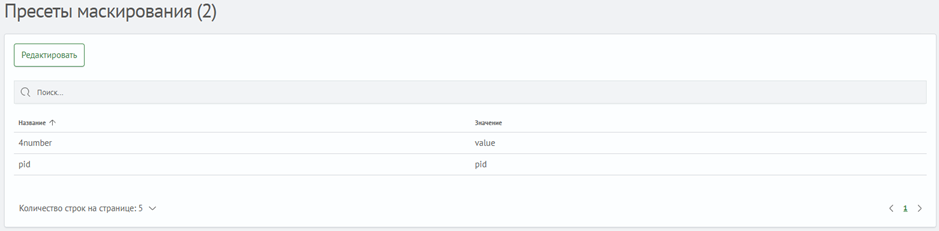
This section allows you to view the current list of masking presets. The list displays:
- name
- value
The following functions are also available:
- search
- filtering by each column
- navigating to the
Editing Masking Presetssection by clicking theEditbutton