Restart
A restart is available if the latest run has the Warning or Error status. For a run with the Warning status, calculations are repeated for objects with the Error status. For a run with the Error status, the entire policy is recalculated.
If the latest policy run has the Warning or Error status, you can restart the policy.
If the latest policy run has the Warning status, you can restart an individual algorithm or restart individual objects.
Restarting a Policy
Restarting a policy is available if the latest run has the Warning or Error status. For a run with the Warning status, calculations are repeated for objects with the Error status. For a run with the Error status, the entire policy is recalculated.
To restart a policy:
- "Warning" Status
- "Error" Status
- Go to
Main Menu-User Behavior Analytics-Object Profiling - Open
Run Statisticsfor the required policy using the corresponding action - Click
Restart Policyabove the latest run statistics table
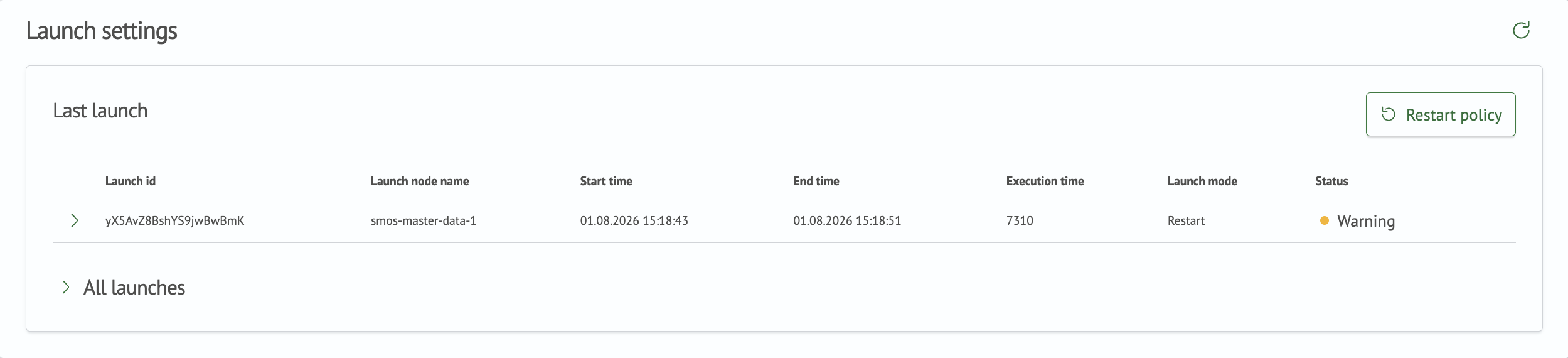
- In the dialog that opens, click
Restartto confirm the policy restart

- After confirmation, calculations restart for objects with the
Errorstatus
- Go to
Main Menu-User Behavior Analytics-Object Profiling - Open
Run Statisticsfor the required policy using the corresponding action - Click
Restart Policyabove the latest run statistics table

- In the dialog that opens, click
Restartto confirm the policy restart
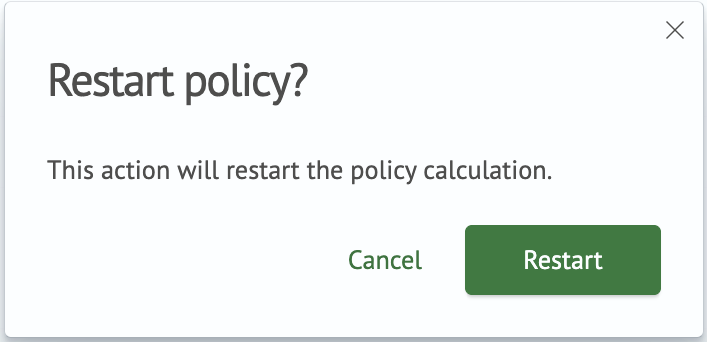
- After confirmation, policy calculations restart
Restarting an Algorithm
Restarting an individual algorithm is available if the latest run has the Warning status.
To restart an algorithm:
- Go to
Main Menu-User Behavior Analytics-Object Profiling - Open
Run Statisticsfor the required policy using the corresponding action - Expand the run details by clicking the arrow icon in the first column
- Click the restart button in the row of the required algorithm. The button is located at the end of the row and uses an arrow icon

- In the dialog that opens, click
Restartto confirm the algorithm restart
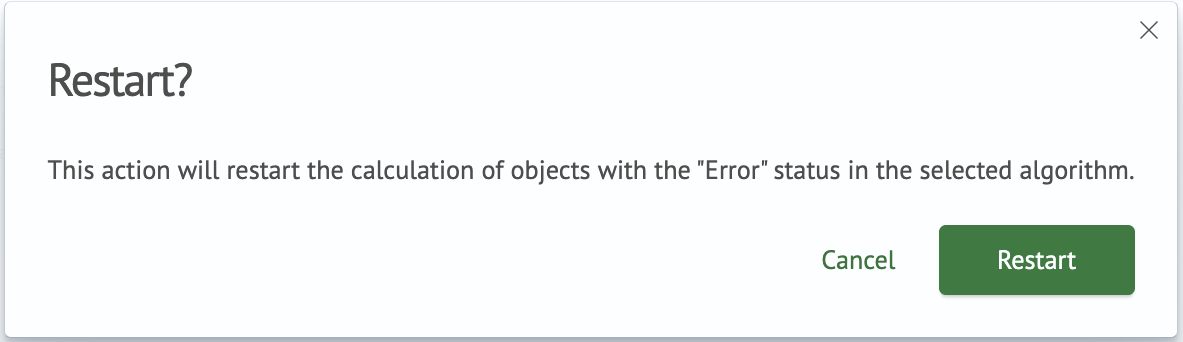
- After confirmation, calculations restart for objects with the
Errorstatus in the selected algorithm
If the algorithm run statistics contain no objects with the Error status, the algorithm cannot be restarted.
Restarting Individual Objects
Restarting individual objects is available if the latest run has the Warning status and the objects have the Error
status.
To restart individual objects:
- Go to
Main Menu-User Behavior Analytics-Object Profiling - Open
Run Statisticsfor the required policy using the corresponding action - Expand the run details by clicking the arrow icon in the first column
- Open the
Object Statisticspage by clickingObject Statisticsat the end of the required algorithm row
- Single Object
- Multiple Selection
- Click the restart button in the row of the required object. The button is located at the end of the row and uses an arrow icon.

- In the dialog that opens, click
Restartto confirm the object restart
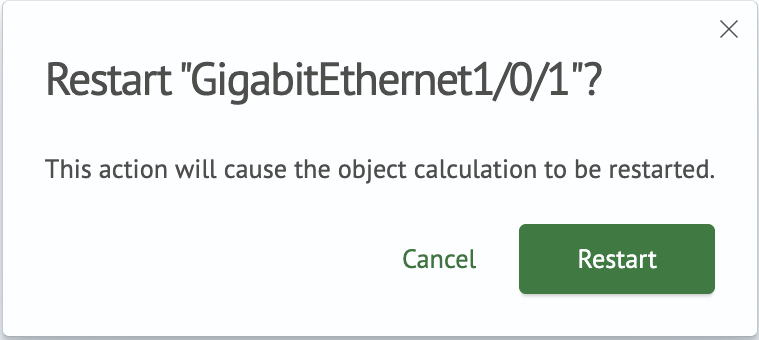
- After confirmation, calculation restarts for the selected object
- Select the objects you want to restart using the checkboxes
- Click
Restart (<n>)above the table

- In the dialog that opens, click
Restartto confirm the object restart

- After confirmation, calculations restart for the selected objects