Object Statistics
Object Statistics provides calculation details for a specific profiling policy run and algorithm. The information is displayed in a table.

Table Contents
The object-level run statistics table contains the following information:
- ID - UBA object identifier
- Start Time - time when calculation started for the object
- End Time - time when calculation completed for the object
- Execution Time (ms) - time between the start and completion of the object calculation
- Status - object execution status. For details, see Execution Status
Execution Status
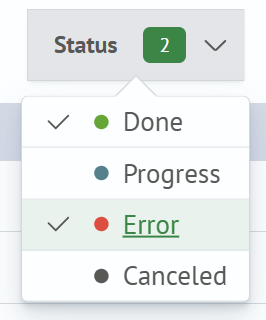
An object can have one of the following execution statuses:
- Completed - calculation completed successfully for the object
- In Progress - calculation is currently running for the object
- Error - calculation failed for the object
- Cancelled - calculation was cancelled for the object
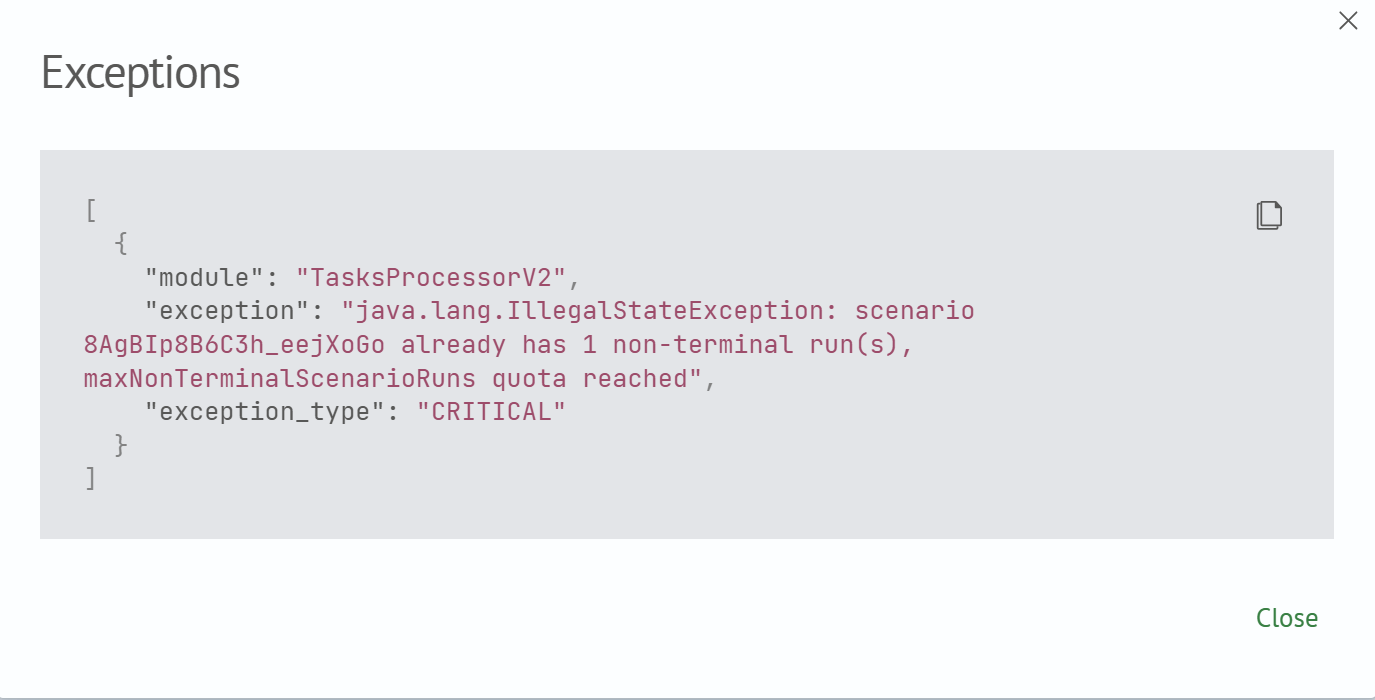
If a calculation fails, click its status to open a dialog containing the error description.
Filtering
You can filter the table data by status. A drop-down list of available statuses is located above the table.
Search
Enter a query in the search field and press Enter. Wildcard patterns are supported.
