objects_selecting
description: Multiple selection of UBA objects. Objects are selected using checkboxes in the rows of the UBA object table. keywords: [objects, UBA, list, deletion]
Selecting multiple objects
Selecting objects
Objects are selected using the checkboxes in the object table rows. To select an object, click the unselected checkbox in the first column of the corresponding object row.
To deselect an object, click its selected checkbox in the object table.

Clicking the unselected checkbox in the object table header selects all objects displayed on the current page. If the checkbox is already selected, clicking it deselects all objects displayed on the current page.
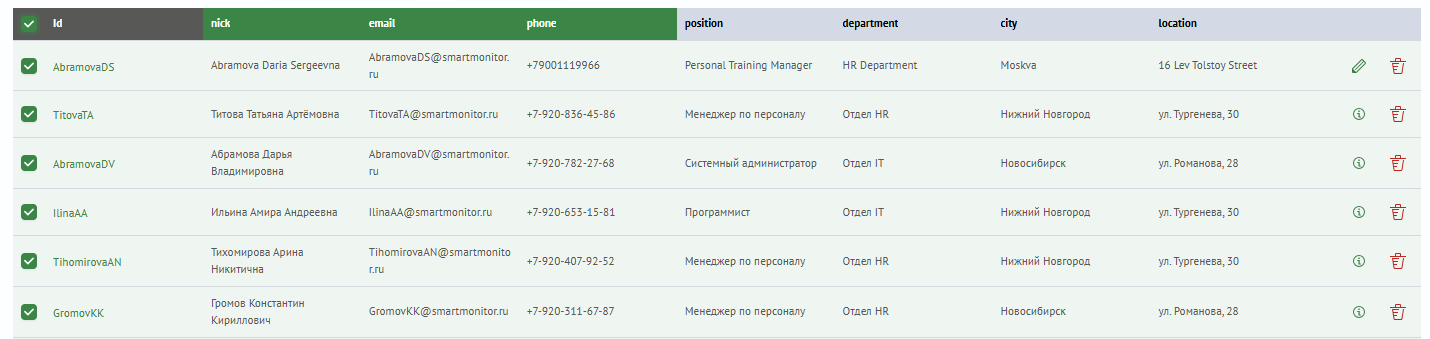
To deselect all selected objects, click Clear selection. This button is located above the object list table and is displayed only when at least one object is selected.

Selected objects remain selected when you navigate between object table pages, perform a search, or apply filters. The selection is preserved only within the currently selected object type.