Configuring a Runtime Environment
A runtime environment (Docker or Kubernetes) is a compute environment in which algorithm images are deployed and jobs run. Environments are configured in the module settings, not in the ML Studio interface.
Open the Environment List
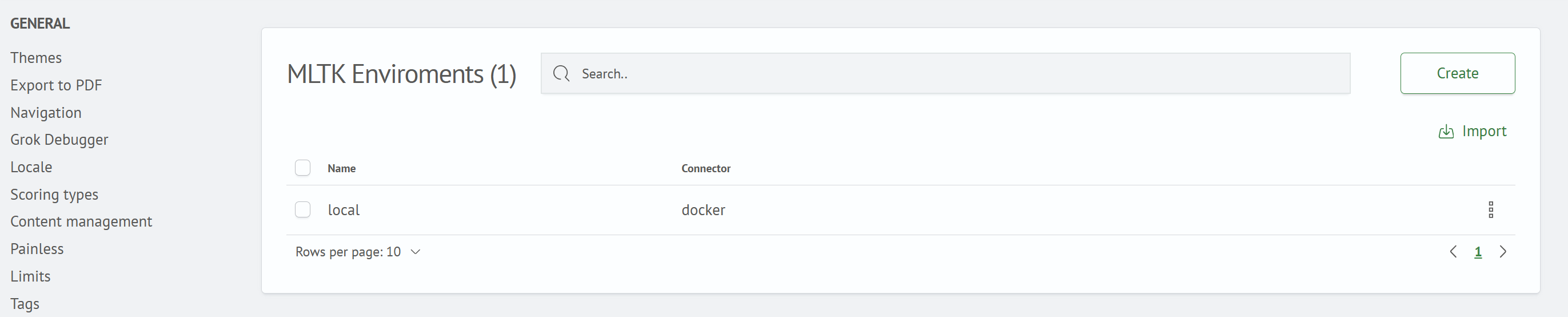
Go to Main Menu - System Settings - Module Settings - ML STUDIO - Machine Learning Environments.
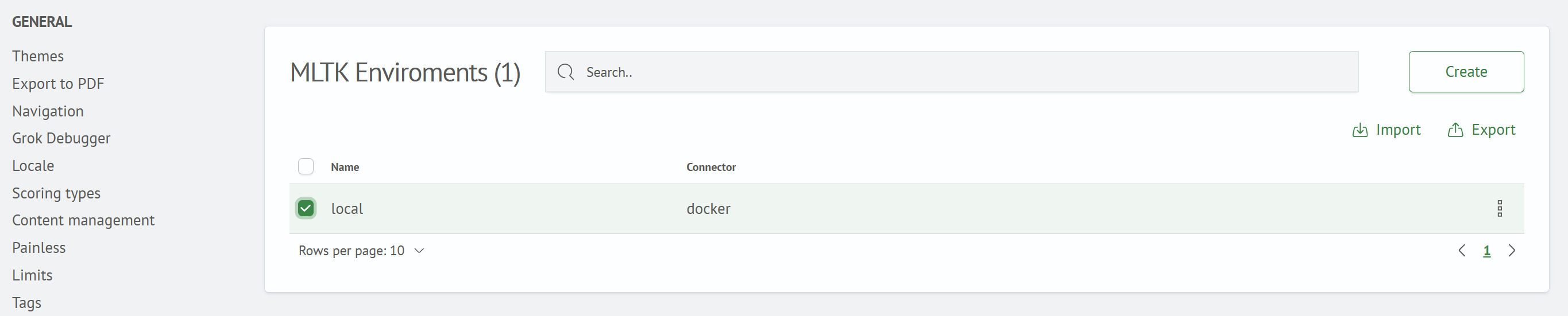
The environment list opens with the Name and Connection Type columns (docker or kubernetes). The distribution does not include predefined environments. The examples use the local environment with the docker connection type, which is created in the next step.
Create an Environment
Click Create to open the Create New SM ML Environment form.
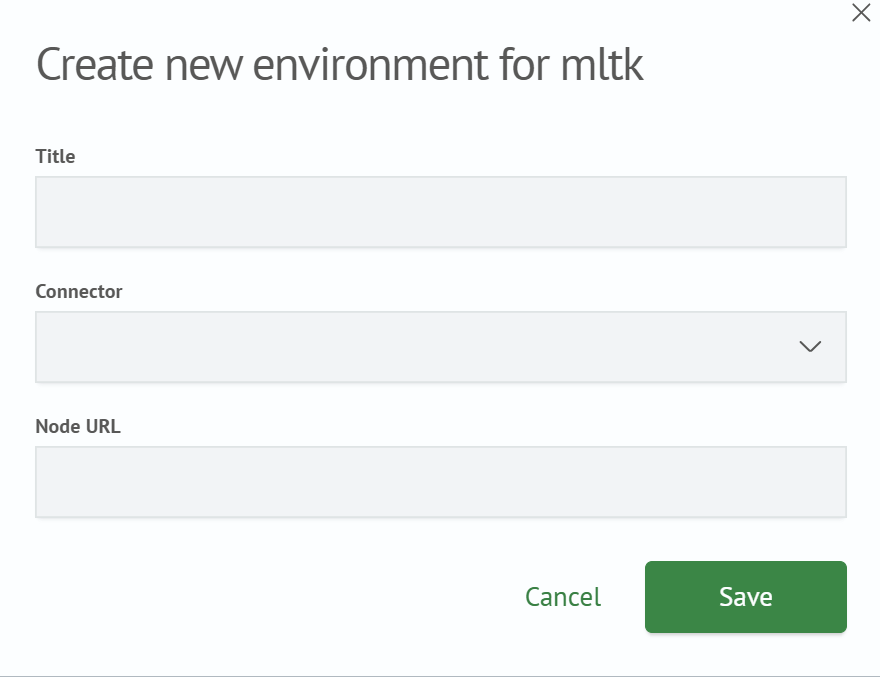
Complete the following fields:
| Field | Description |
|---|---|
Name | Environment name used when creating a deployment |
Connection Type | Environment type: docker or kubernetes |
Node URL | Address of the environment node or API to which the system connects, for example, http://ml-node.example.com. This address is used to generate links to the services in the deployed algorithm runtime environment, including Jupyter, MLflow, and TensorBoard |
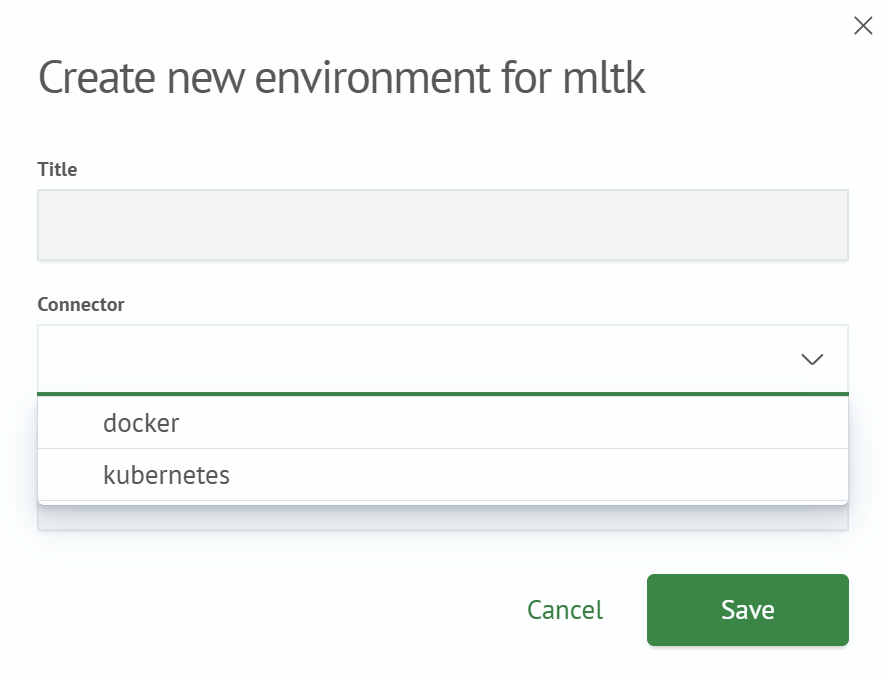
Click Save. The environment appears in the list and becomes available for selection when creating deployments.
If kubernetes is selected in the Connection Type field, the additional Kubeconfig YAML field appears in the form. For information about preparing the kubeconfig file and creating a Kubernetes environment, see SM-ML Settings.
Edit or Delete an Environment
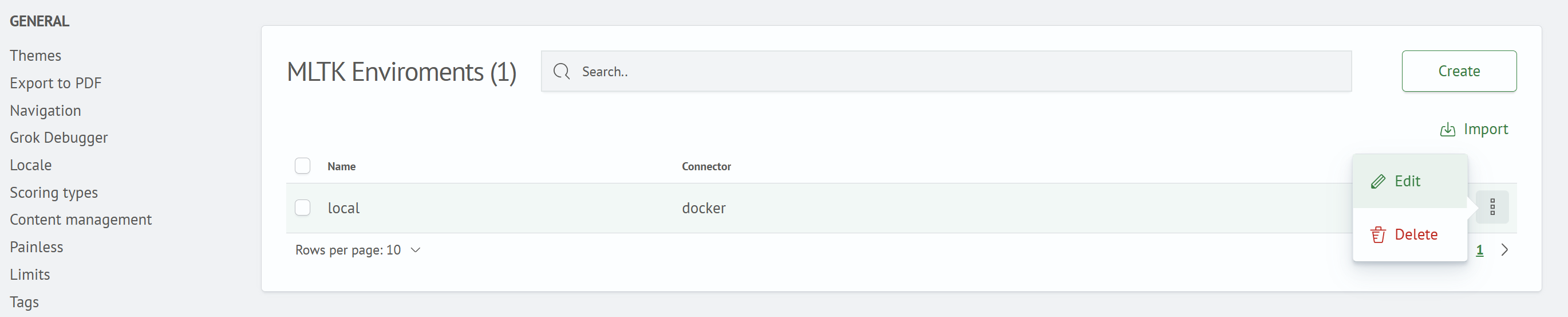
The ⋮ row menu contains the Edit and Delete actions.
Import and Export Environments
Use JSON import and export to transfer environments between Smart Monitor instances. Select rows using the checkboxes, and click Export. The selected environments are saved to a JSON file. To upload a previously exported file, click Import.
Next step: Creating an Algorithm.