Editing an Algorithm
You can change the base image used by an existing algorithm.
Select the image before deploying the algorithm. Changing the image does not affect an existing deployment and applies only to subsequent deployments of the algorithm.
Open the Edit Form
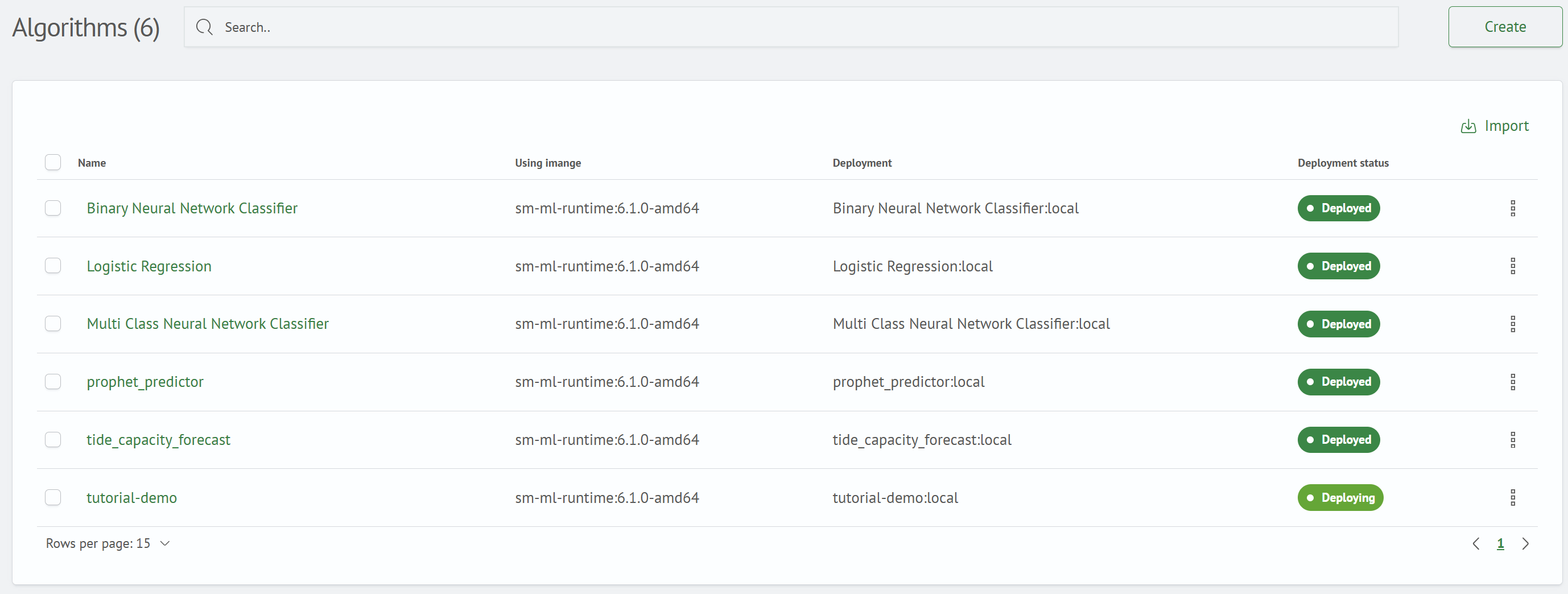
On the Algorithms screen, open the ⋮ row menu for the required algorithm, and select Edit.

Change the Image
The Update Algorithm <name> form opens. The Name field cannot be edited. The Image field displays the current image, which you can replace with another image from the list.

Save the Changes
Select a new image (sm-ml-runtime:6.1.0-amd64 in this example), and click Save. After the changes are saved, the Algorithm updated successfully notification appears and the selected value is displayed in the Image Used column.
You can also change the image on the algorithm details page. To do this, click the edit icon (✎) next to the Image Used panel.
Next step: Deploying an Algorithm.