Install the Content Module
Contents
Overview
The Database Observability content module is supplied as the database_observability.zip archive. Install it through Content Management.
Module Contents
| Object Type | Contents |
|---|---|
| Dashboards | 8 dashboards |
| Jobs | 28 jobs |
| Indexes | 9 indexes |
| ISM policies | 2 index management policies |
| Tags | 12 tags |
Lookups and other service objects are installed separately using the utility.
Installation Procedure
Step 1. Install the Module
For installation, follow the steps in Content Management.
Example
- Open
Content Management:Main Menu-Settings-Module Settings-GENERAL-Content Management - Select or drag and drop the
database_observability.ziparchive - Confirm the installation
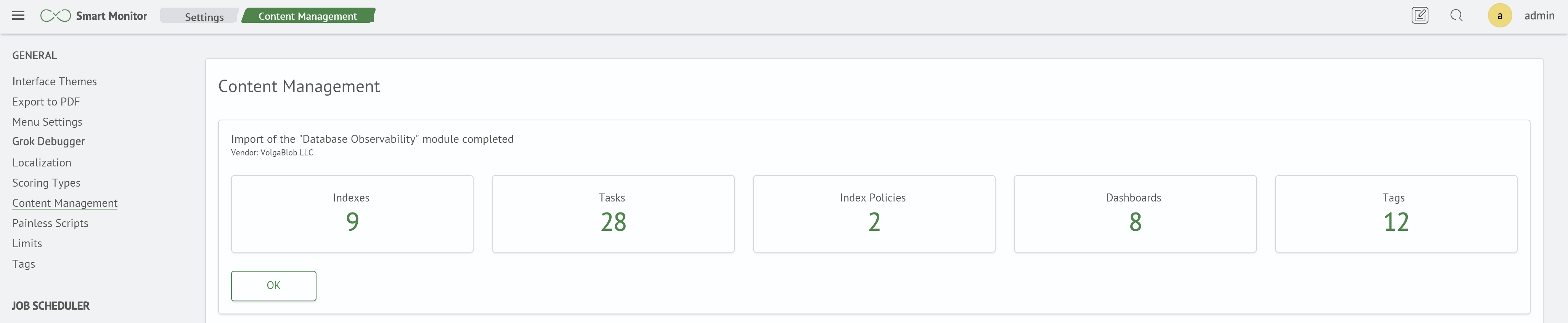
Step 2. Verify Module Objects
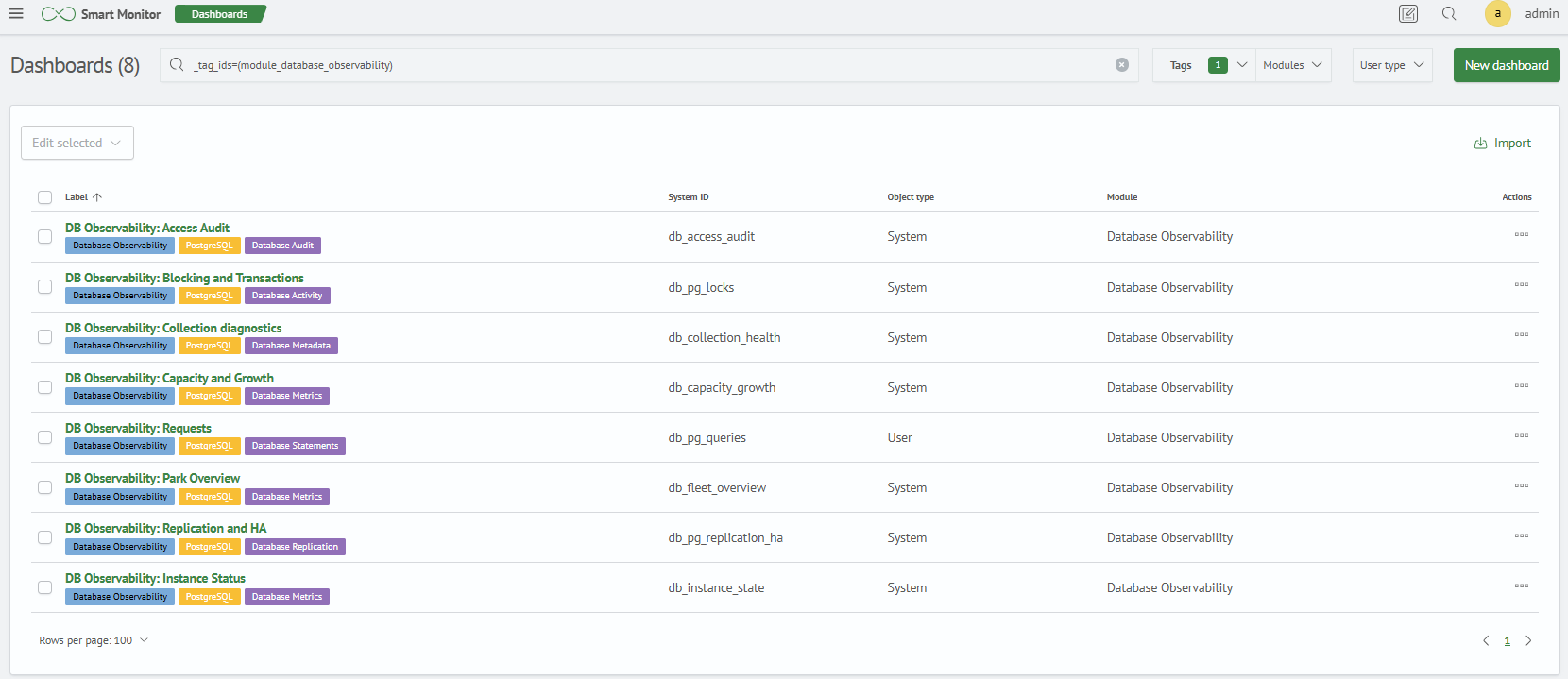
1. Verify Dashboards
Check that all eight dashboards are present:
Main Menu - Main - Dashboards
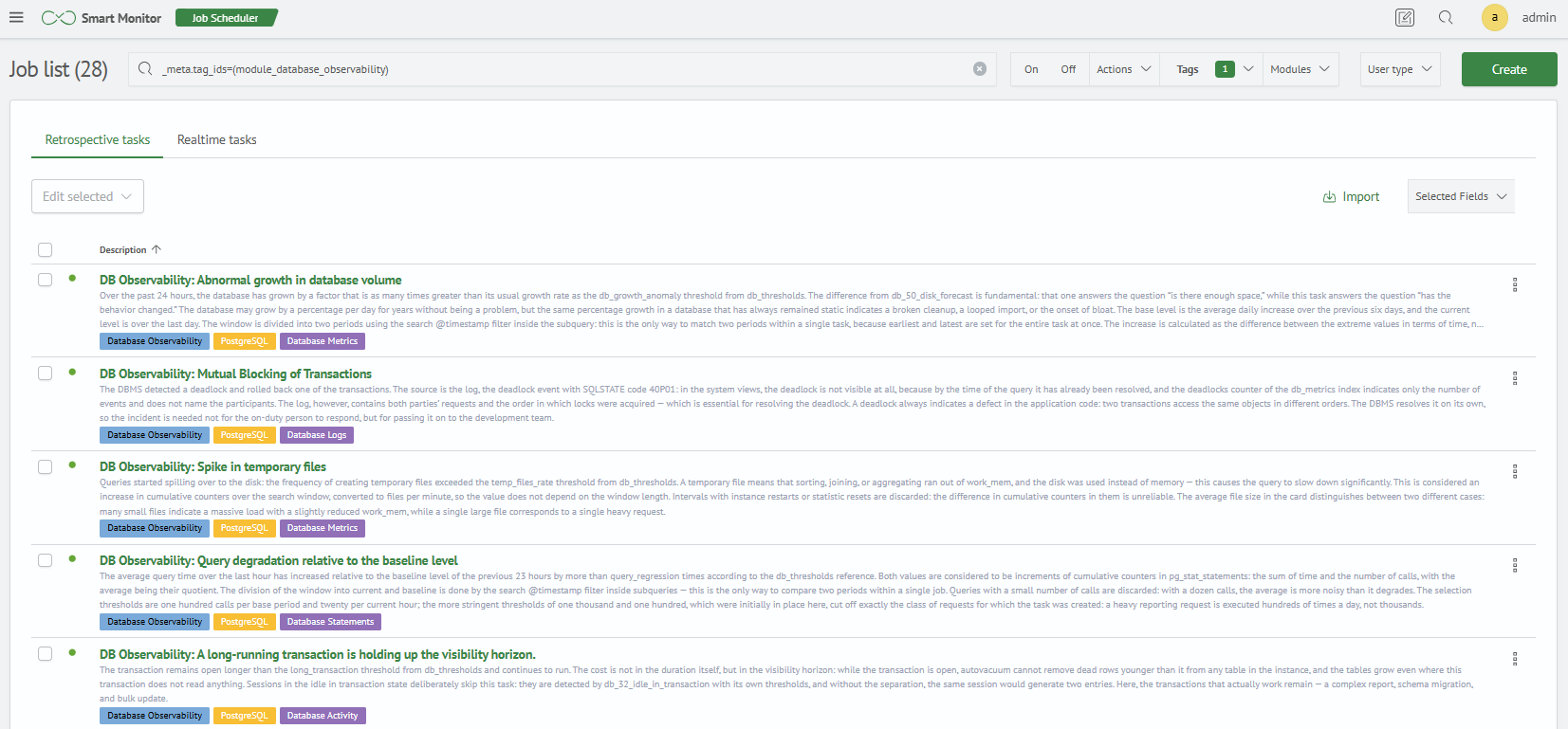
2. Verify Jobs
Check that all 28 jobs are present:
Main Menu - Job Scheduler
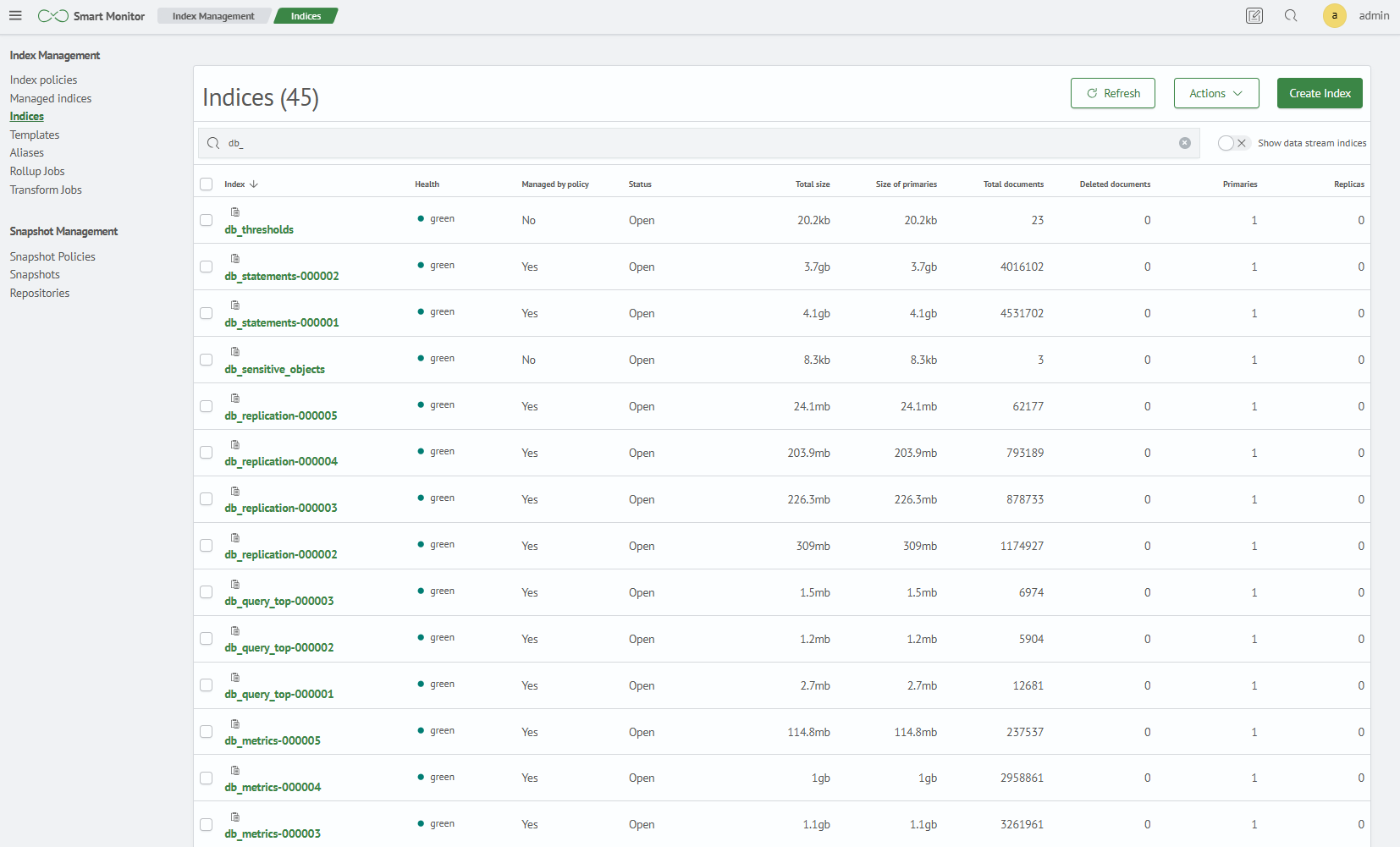
3. Verify Indexes
Check that all nine indexes are present:
Main Menu - Settings - Index Management - Indexes
4. Verify Index Management Policies
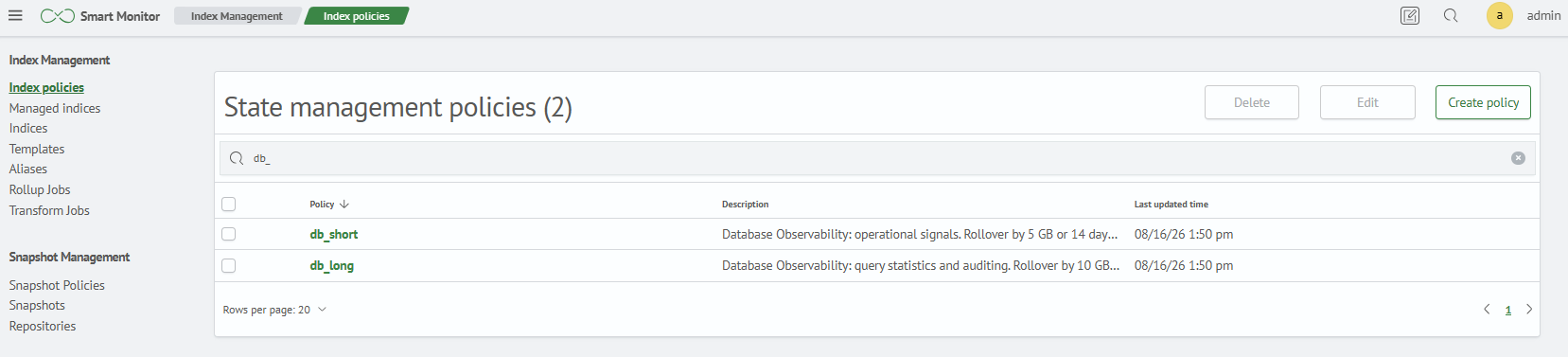
Check that both ISM policies are present:
Main Menu - Settings - Index Management - Index Policies
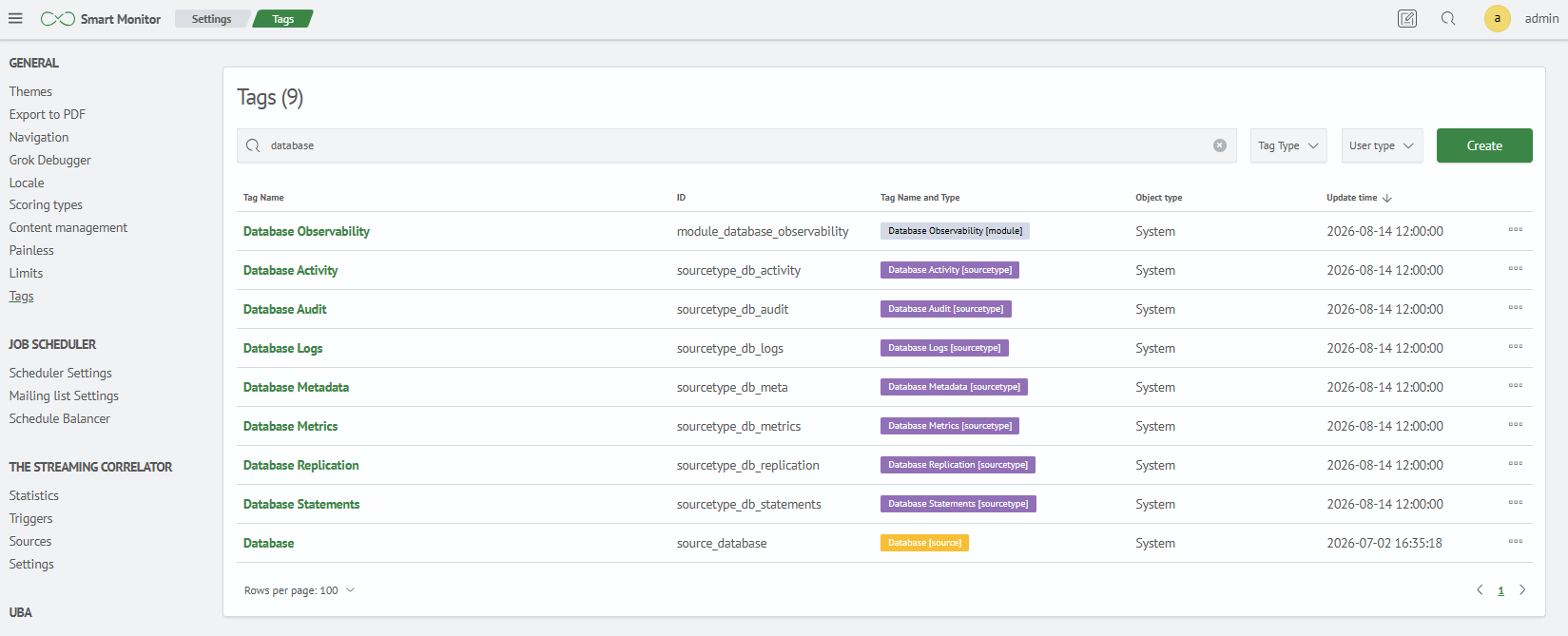
5. Verify Tags
Check that all 12 tags are present:
Main Menu - Settings - Module Settings - Tags