Policies list
The object profiling policies list page presents a table containing basic information about existing policies.

Table contents
The table contains the following information:
- Name - profiling policy name
- Object type - type of objects for which calculations are performed
- Indexes - list of indexes or index patterns from which data sample is formed for calculations
- Algorithm - selected algorithm for calculation
- Schedule - determines the time and frequency of calculation execution
- Launch statistics - statuses of the last five executions
Launch statistics
Statuses of the last five executions can be viewed directly in the table, in the corresponding column. Statuses are represented by rectangles of various colors:
- Gray - no execution. If a policy has fewer than five executions, empty slots will be displayed in gray color
- Blue - calculation is currently being performed
- Green - successful completion of calculations
- Red - calculation completed with an error
- Yellow - calculation completed, but there are warnings
Information about status and launch time can be found by hovering the cursor over the status element.

If the calculation completed with an error, clicking will open a window with its description.
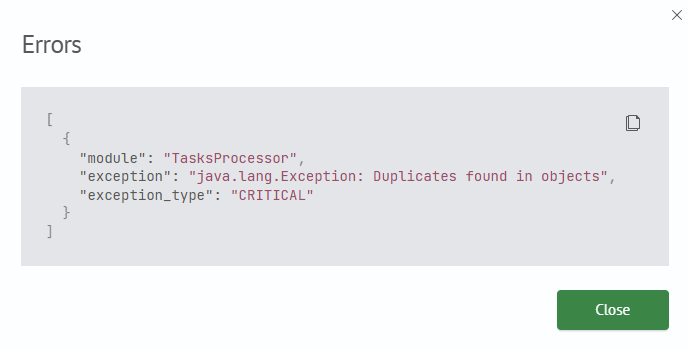
Table actions
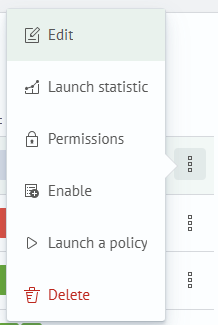
The table offers the following capabilities for working with policies:
- Edit - go to the policy setup page
- Launch statistics - go to the page with detailed information about launches and their results
- Permissions - configure permissions for the policy
- Enable/Disable - toggle execution of launches according to schedule
- Run policy - one-time manual calculation launch
- Delete - delete the policy
Creating a new policy is done by clicking the Create button in the upper right corner of the page.