Calculation Module Run Statistics
To navigate to the run statistics page, you need to select the Run Statistics item in the All Actions column in the asset row.
The page contains information about all runs of the asset calculation module.
Detailed information about the run is presented in Gantt chart format. It contains information about the distribution of execution time of calculation module stages.

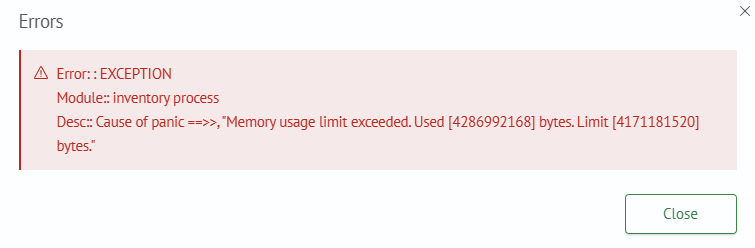
If the run completed with Error or Warning status, by clicking on the cell with the status you can see detailed information about the cause.
To update statistics, click the Update Run Statistics button.