Incident Manager Module
Overview
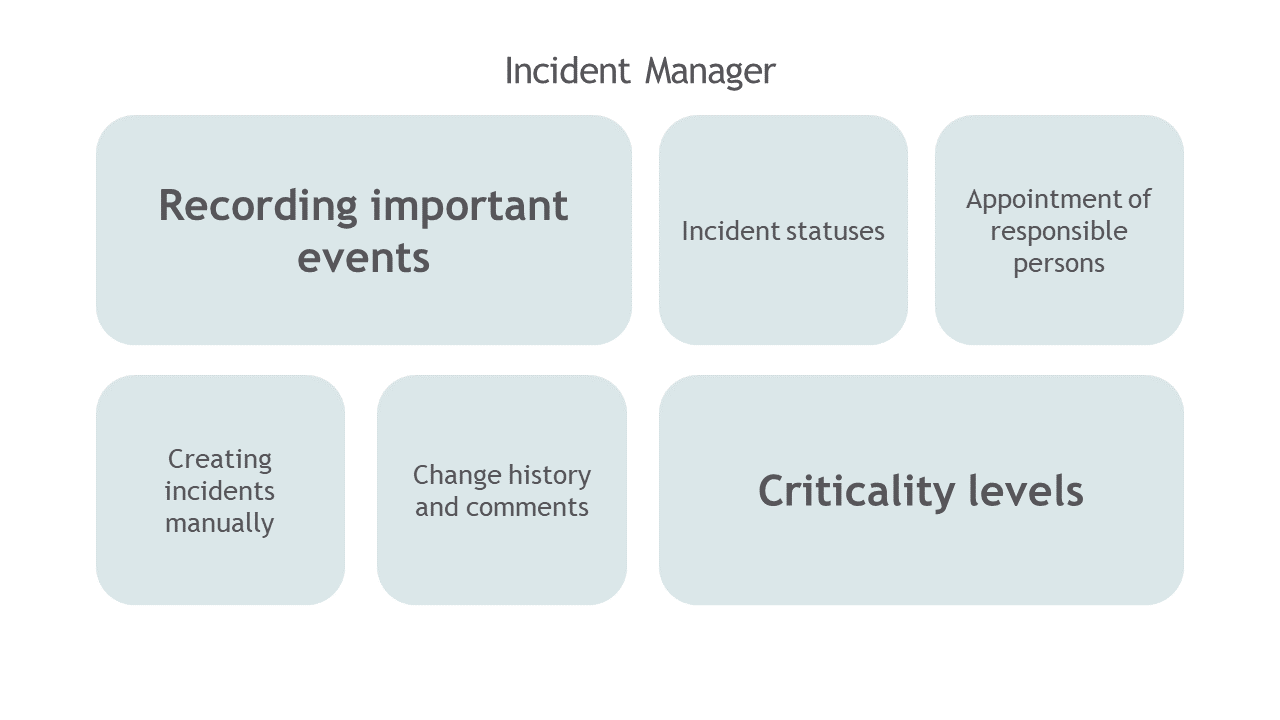
The Incident Manager Module is designed to track important events and resulting actions of correlation rules. It provides the ability to prioritize incidents according to their criticality level and manage them.
The foundation of the incident lifecycle is the Workflow, which defines the set of states and transitions through which an incident passes. An example of a workflow for incidents is presented in the image below.

Prompt and effective incident response is ensured by Active Actions. Using Active Actions in the Incident Manager module allows automating incident handling and implementing flexible response logic for them.
"Incident Manager" Dashboard
The main element of the Incident Manager module user interface is the dashboard, which presents the following functional capabilities:
- Incident management
- Search for incidents with customizable filtering
- Applying Active Actions to incidents

The Incident Manager Dashboard provides the following information:
- list of generated incidents for the selected time interval
- statistics on incident severity levels
- description, fields, and meta-information of each incident from its card
- incident change history
"Incident Manager: Statistics" Dashboard
Detailed incident statistics are contained in the Incident Manager: Statistics dashboard. A fragment of the dashboard is presented in the image below.

The dashboard is useful for tracking incident statuses, event distribution by criticality, analyst activity when working with incidents, as well as for analyzing incident statistics by correlation rules.