Import and Export Layers
Export
Exporting a Single Layer
To export a specific layer and related entities:
-
Go to the layers section
-
Click the import/export button in the upper right corner of the interface

- In the popup window, click the
Exportbutton
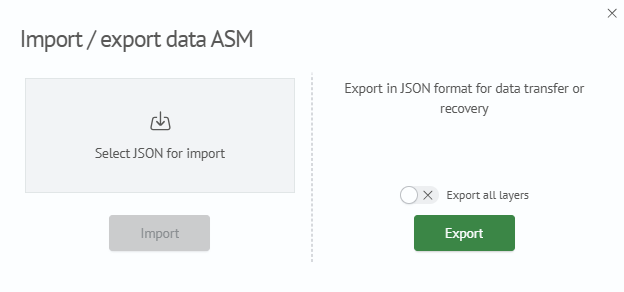
To export all layers and related entities, check the Export all layers checkbox.
Import
To import one or more layers:
-
Go to the layers section
-
Click the import/export button in the upper right corner of the interface
-
In the opened window, select the JSON file with layer description
-
Click the
Importbutton. The layer will be added to the list