SP Mode Job Scheduler
If Service Provider is enabled and SP Server mode is selected, the scheduler automatically switches to SP mode.
See Service Provider setup in the related article.
SP mode extends scheduler functionality, so before using it, review the basic behavior of Job Scheduler.
SP Mode Job List
Jobs List

The main extension affects the primary section.
Two additional columns are added to the table:
- Job Type - type of job (
SP,Local) - Client - clients (child clusters) where search runs
Filtering
In SP mode, you can filter SP and local jobs separately.
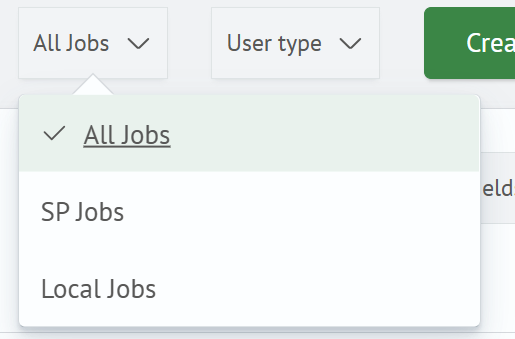
- All Jobs - displays SP and local jobs together
- SP Jobs - displays only jobs related to the central Service Provider cluster
- Local - displays only jobs related to the local Smart Monitor installation
Job Creation
In SP mode, you can create SP jobs.
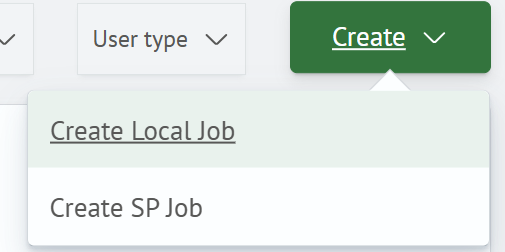
When you click Create, two options are available:
- Create Local Job - creates a job that runs on the local Smart Monitor installation
- Create SP Job - creates a job related to the central Service Provider cluster
SP jobs can run search on child clusters and execute active actions based on the results.
SP Job Create/Edit Page
In SP mode, on the General tab in the Main section, the Client field appears for selecting child clusters.
How to configure clients for Service Provider is described in the related article.
