Incident Manager Module
Overview
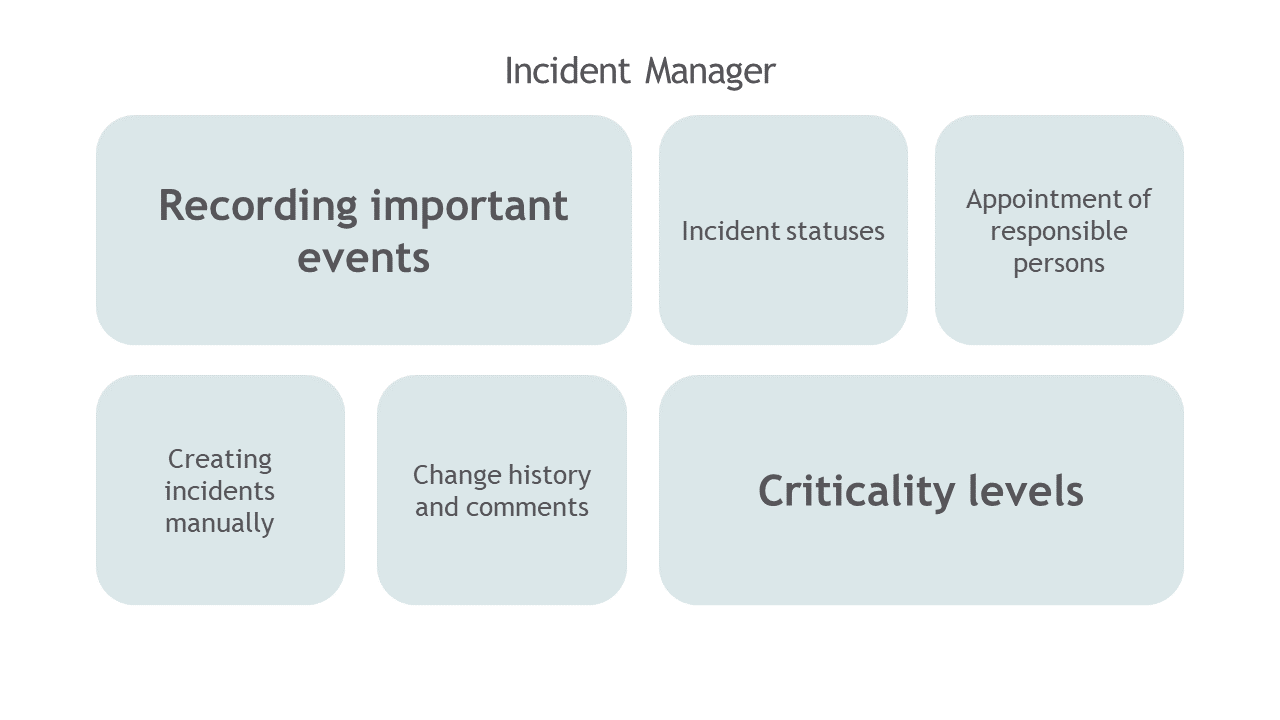
The Incident Manager Module is designed to track important events and resulting actions of correlation rules. It provides the ability to prioritize incidents according to their criticality level and manage them.
The foundation of the incident lifecycle is the Workflow, which defines the set of states and transitions through which an incident passes. An example of a workflow for incidents is presented in the image below.

Prompt and effective incident response is ensured by Active Actions. Using Active Actions in the Incident Manager module allows automating incident handling and implementing flexible response logic for them.
"Incident Manager" Dashboard
The main element of the Incident Manager module user interface is the dashboard, which presents the following functional capabilities:
- Incident management
- Search for incidents with customizable filtering
- Applying Active Actions to incidents

The Incident Manager Dashboard provides the following information:
- list of generated incidents for the selected time interval
- statistics on incident severity levels
- description, fields, and meta-information of each incident from its card
- incident change history
"Incident Manager: Statistics" Dashboard
Detailed incident statistics are contained in the Incident Manager: Statistics dashboard. A fragment of the dashboard is presented in the image below.

- a brief description of the event that triggered the incident
Status:
- the current status of the incident, reflecting its state in the process
Possible values:
New- a new incident received in theIncident Manager, work on the incident has not started yetIn Progress- the incident is being worked onVerification- the process of approving the work required to resolve the incident is ongoing / the process of approving the possibility of closing the incident after its resolution is ongoingRejected- the incident is postponed until the cause of rejection is resolvedClosed- work on resolving the incident is completed, the incident is closed by agreement
Assignee:
- the employee or group of employees responsible for resolving the incident
For each incident, a card is available where you can track the entire history of changes, statuses, as well as comments.

Workflow - Active Actions
- primary actions can affect incident parameters
- they are divided into system and user actions
User actions can be implemented in NodeJS / Python.

Example of a workflow